A Beginners Guide to Autofocus Part II: Modes and Tracking

In this, the second in a series of articles about autofocus, we will look at different focusing modes and their practical applications.
In the first of these articles, we looked at the different types of autofocus and how they work. If you didn’t read that one, I recommend doing so first. As mentioned in the first article, please note that accessing some features may vary by camera, so having your manual handy is recommended. To further confuse things, manufacturers don’t stick to a standard nomenclature, and it is impossible to give every name that every manufacturer uses. So, if a term I use doesn’t appear on your camera, you may have to do an online search to discover what your brand uses.
Autofocus Modes
Most cameras have two separate modes for focusing: single and continuous autofocus. (Confusingly, Canon calls these One Shot and AI Servo).
If you half-press the camera’s shutter button, with single autofocus (abbreviated to AF-S, S-AF, or One Shot on Canons), the camera will lock the lens at the subject’s distance. If either you or the subject moves, it will go out of focus. That method is great for stationary subjects such as landscapes or still life, but not good for flying birds or people walking past.

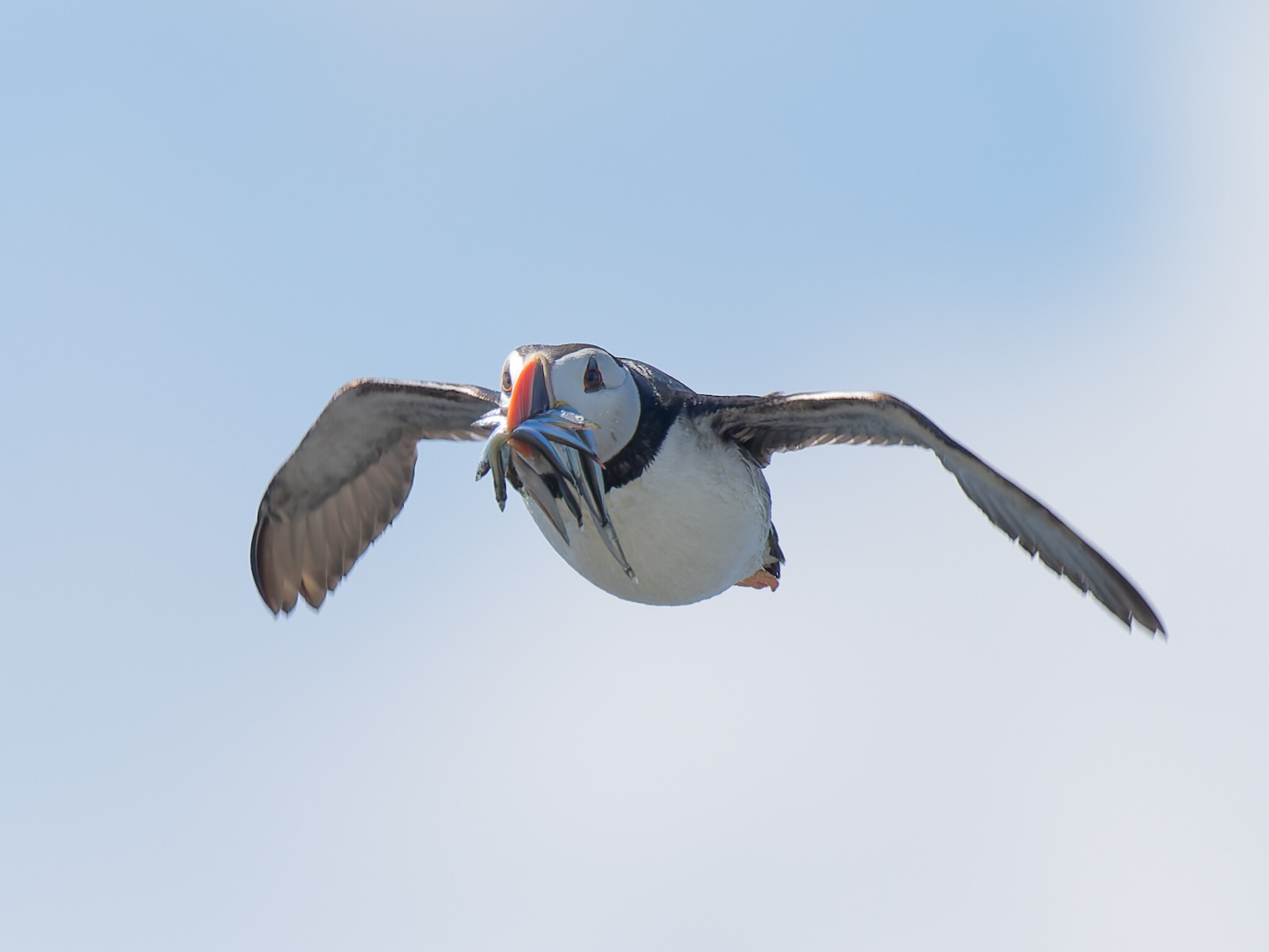
As its name suggests, continuous autofocus (AF-C, C-AF, or AI Servo) will continue to refocus with the shutter button half pressed if the subject moves. It’s great for capturing moving subjects, such as wildlife, children playing, or sports, but not so good for still ones.
On some cameras, there is also Automatic AF Mode (AF-A / AI Focus AF). This is where the camera automatically switches between AF-S and AF-C based on subject movement. Although it can be useful for general shooting, it is less reliable than choosing the correct mode. My cameras don’t have that function, and I would not use it even if they did.
Focus Tracking
Focus tracking is an additional feature usually found in continuous autofocus. It uses all the focus points to follow a moving subject across the frame. It’s useful for subjects like flying birds, where it is difficult to keep the subject positions in one place in the frame.

Manual Focus and Focus Peaking
Manual focusing (MF) is useful in some circumstances, such as low light and macro photography. If you are doing video work, you are likely to want to use manual focus too, so you don’t get the lenses hunting back and forth for best focus. Moreover, if you like the special effects produced by vintage lenses, you have no other option but to manually focus.
Older DSLRs had small and very poor viewfinders that made it difficult to see through them to manually focus. Newer cameras have large, bright viewfinders that make manual focusing much easier.
There are two types of peaking available in mirrorless cameras. The first highlights the edges of in-focus subjects with a colored line. I use this for low-light landscape photography.
The other system magnifies a section of the scene so you can better see what is in focus. I use the magnified live view for critical focus, especially in macro or product photography.
Hyperfocal Distance
Essential for landscape photography, the hyperfocal distance is the closest distance at which a lens can be focused while keeping objects at infinity acceptably sharp. In other words, it maximizes the depth of field.
There is a rough approximation of the hyperfocal distance that you can achieve by focusing a third of the way into the frame; however, it’s not accurate.
Historically, people used charts to look up the hyperfocal distance. These days, most people rely on an app like Photopills or The Photographer’s Companion, which have hyperfocal distance calculators in them. The distance will change between different camera sensors, focal lengths, and f-stops.

For 35mm sensor (full-frame) cameras with a 24mm lens at f/8, the hyperfocal distance is approximately 2.43 meters, and everything from 1.21 metres to infinity will be in focus.
However, Micro Four Thirds cameras, such as the OM System cameras or Panasonic Lumix G-series, have a smaller sensor. Therefore, you would need a 12mm lens to give approximately the same field of view. Then, the hyperfocal distance at f/8 is closer at 1.21 metres, and everything from 0.6 meters to infinity will be in focus.
Similarly, the same field of view on a Nikon DX would be approximately given by a 16mm lens. At f/8, the hyperfocal distance would be 1.65m. Meanwhile, a Pentax, Canon, or Fujifilm APS-C camera would have a 15mm lens, and the hyperfocal distance is around 1.51 meters.
Those examples are approximations but will work for most of us. After all, most of us don’t photograph landscapes with a tape measure to hand.
Those apps can also be used to calculate the depth of field in other circumstances. For example, you may want to get an entire bird in focus but still have the background blurred, and it will calculate what aperture you need to do that.

Back Button Focus
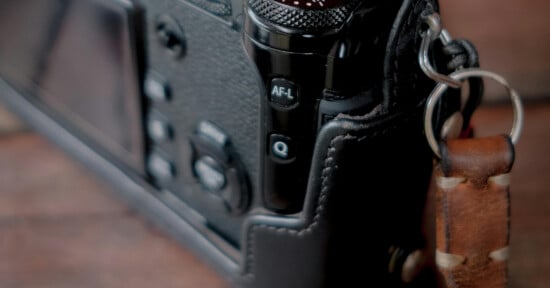
Many photographers use back-button focus (BBF). To use that, you must disable AF from the shutter button and assign it to a rear button instead (usually AF-ON or the AE-L/AF-L). That separates focus from the shutter, and allows you to toggle smoothly between autofocus and manual focus. That means there is no need to refocus every time you press the shutter. That’s exceptionally useful in low light when autofocus can be problematic. Furthermore, with intermittently moving subjects, one can quickly shift from C-AF to MF, which can speed up the workflow. It’s a method I used when shooting weddings.
BBF also allows you to focus once and recompose the picture. However, it’s best to avoid that when using a wide aperture, as the narrow plane of sharp focus may shift.

Is Your Autofocus Inaccurate?
Some DSLR camera and lens combinations need calibrating because they focus a bit too near or too far. If your pictures are consistently a bit soft, this may be the issue.
In Conclusion
Between this and the previous article, you have a simple overview of how autofocus works. Your camera may have a host of other autofocus settings. For example, I can change the sensitivity of the tracking, switch the camera to focus on either the right or left eye, and it has a fully articulated rear screen, which I find invaluable for macro work. It will also bracket focusing, in other words, take images focused on different distances, and then combine them into one shot. But not every camera will have those functions.
Focusing is something worth practising to perfect. Combined with exposure control, which I will come to in a future article, you will have the tools to take first-class photos.
Try using back button focus and see if it works for you; it takes practice and getting used to. Also, consider putting Photopills on your smartphone. It is a one-off cost of $10.99 and has a host of other useful tools that you will find useful.